"Where is that customer's measurement?"
The book is at the shop, it got wet, or the page tore. Now you have to call the customer back.
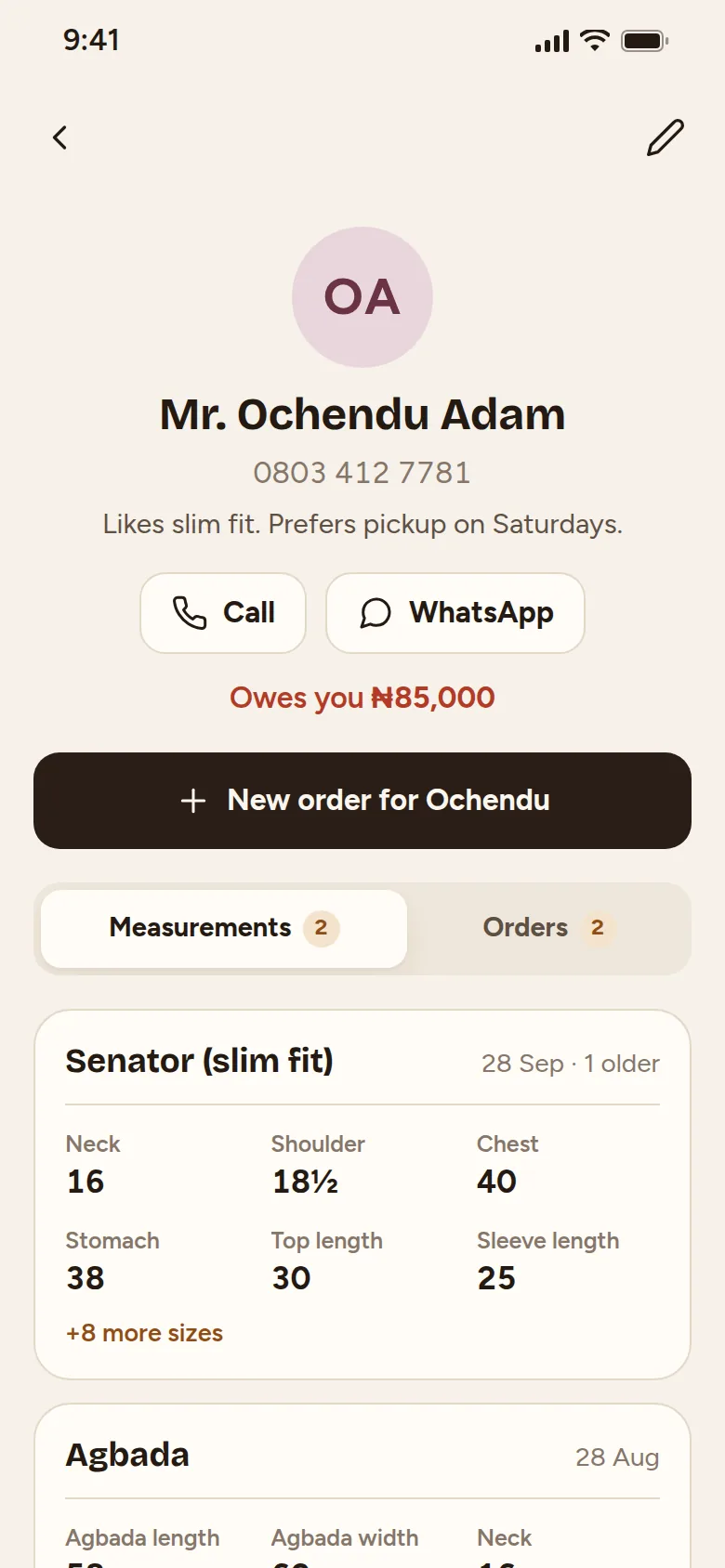
Sizes live on your phone, searchable by name.
For tailors and fashion designers
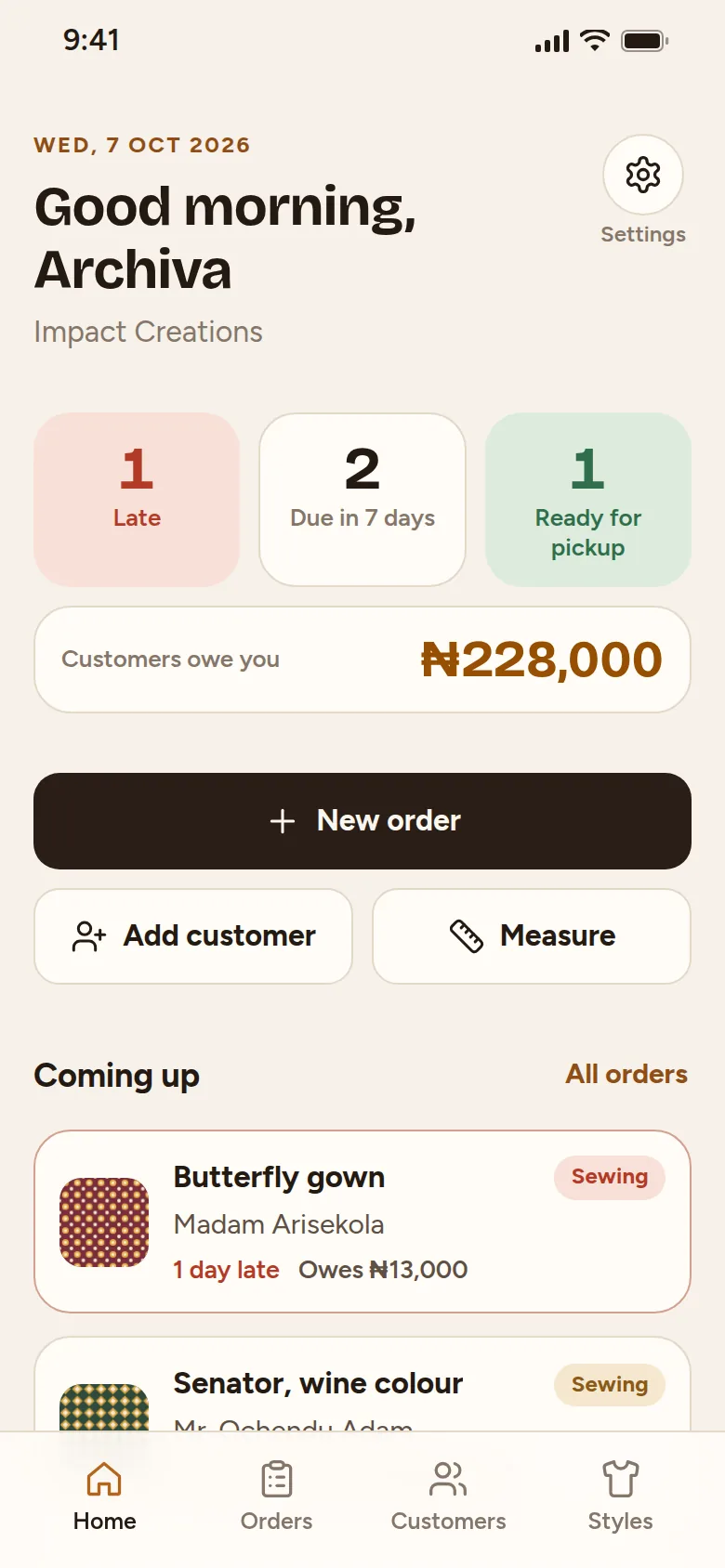
Save each customer's sizes for every style they sew with you, see what is due this week, and know who still owes you.
No sign-up Works without data Android and iPhone
Sounds familiar?
"Where is that customer's measurement?"
The book is at the shop, it got wet, or the page tore. Now you have to call the customer back.
Sizes live on your phone, searchable by name.
Same customer, different style.
Her gown sizes are not her skirt and blouse sizes. One page per customer gets messy fast.
Save a separate set for each style.
"Did she pay the balance?"
Deposits on paper, transfers on WhatsApp, cash in hand. It is easy to lose track.
Every payment and balance per order.
How it works
Measurements
Agbada sizes and fitted senator sizes are not the same. Keep them apart and find the right one in seconds.
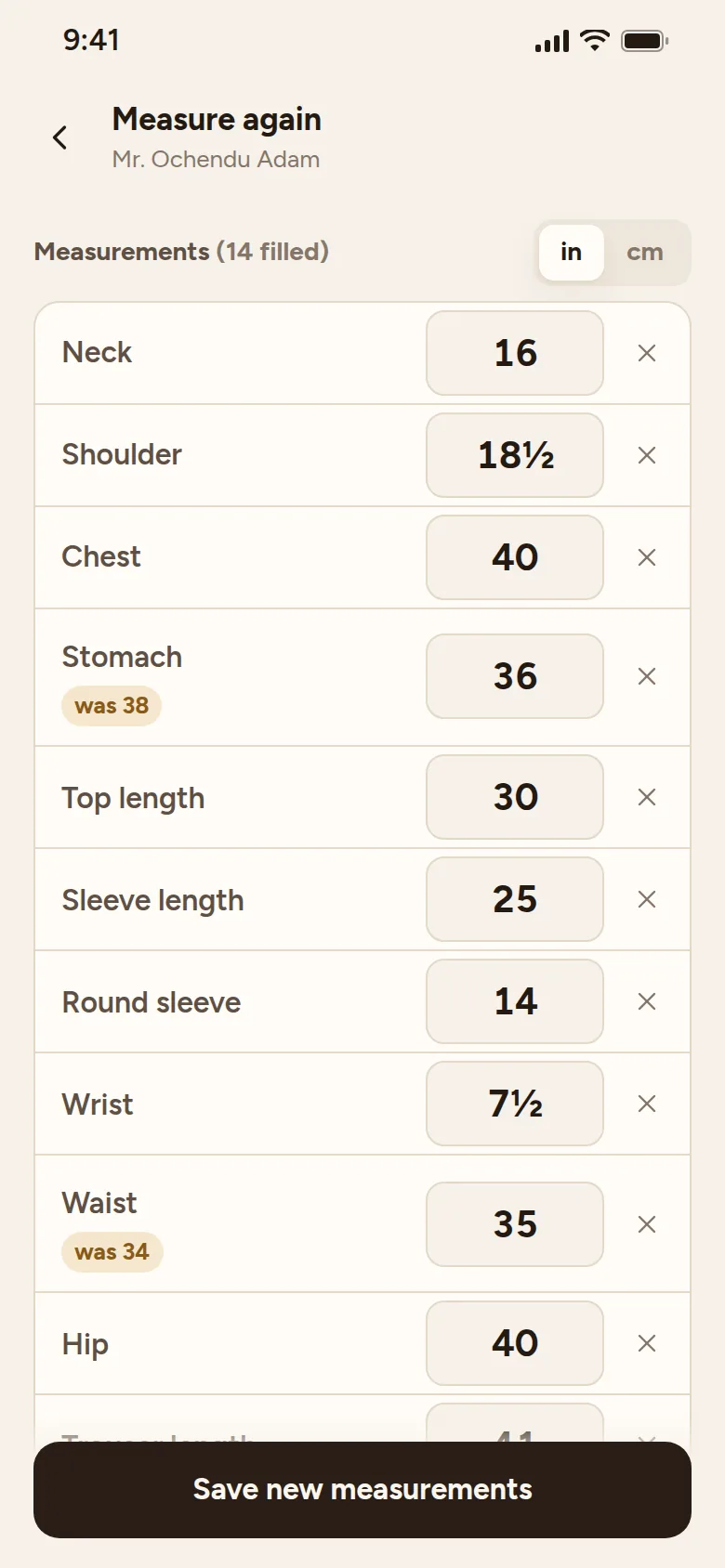
Re-measuring
When a customer comes back months later, update only the sizes that moved. The app shows what each one was before.
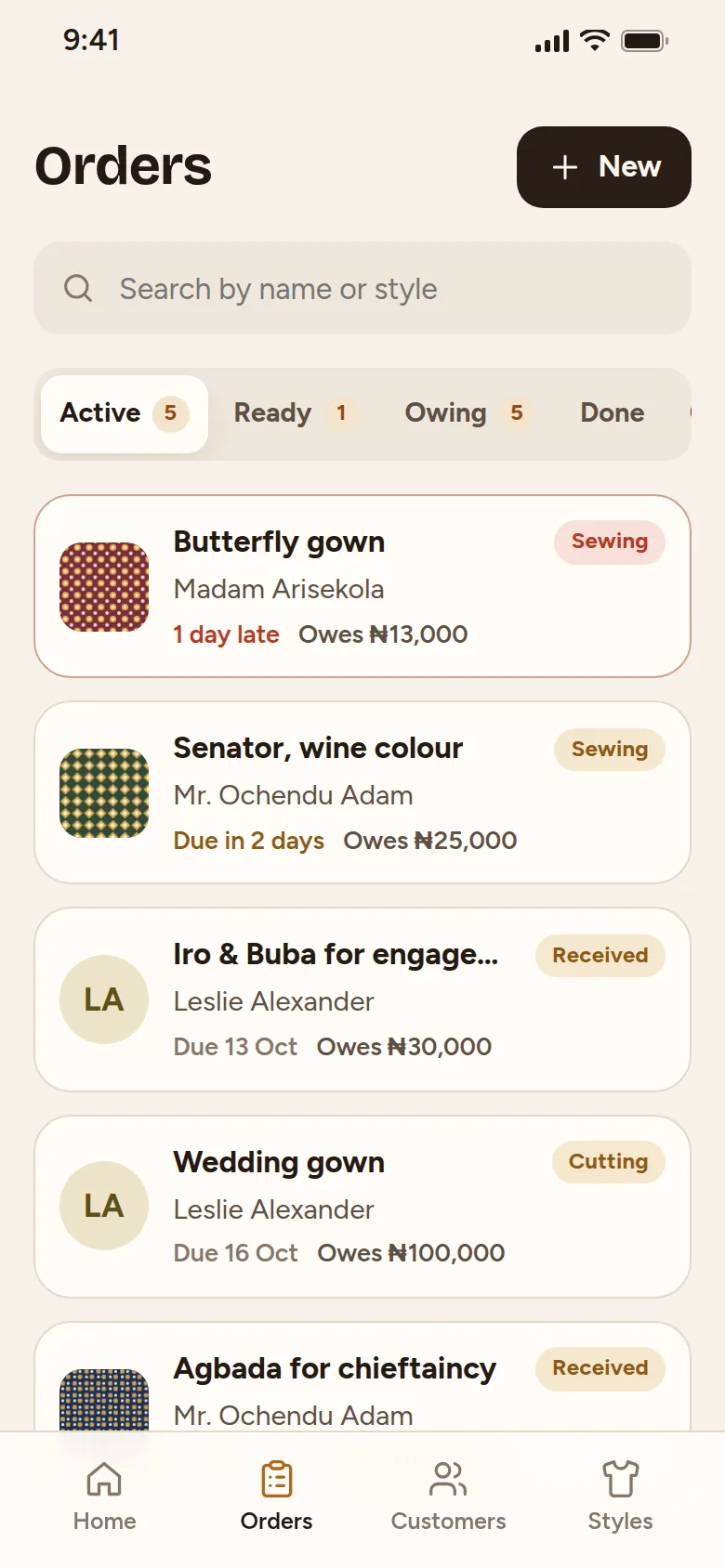
Orders
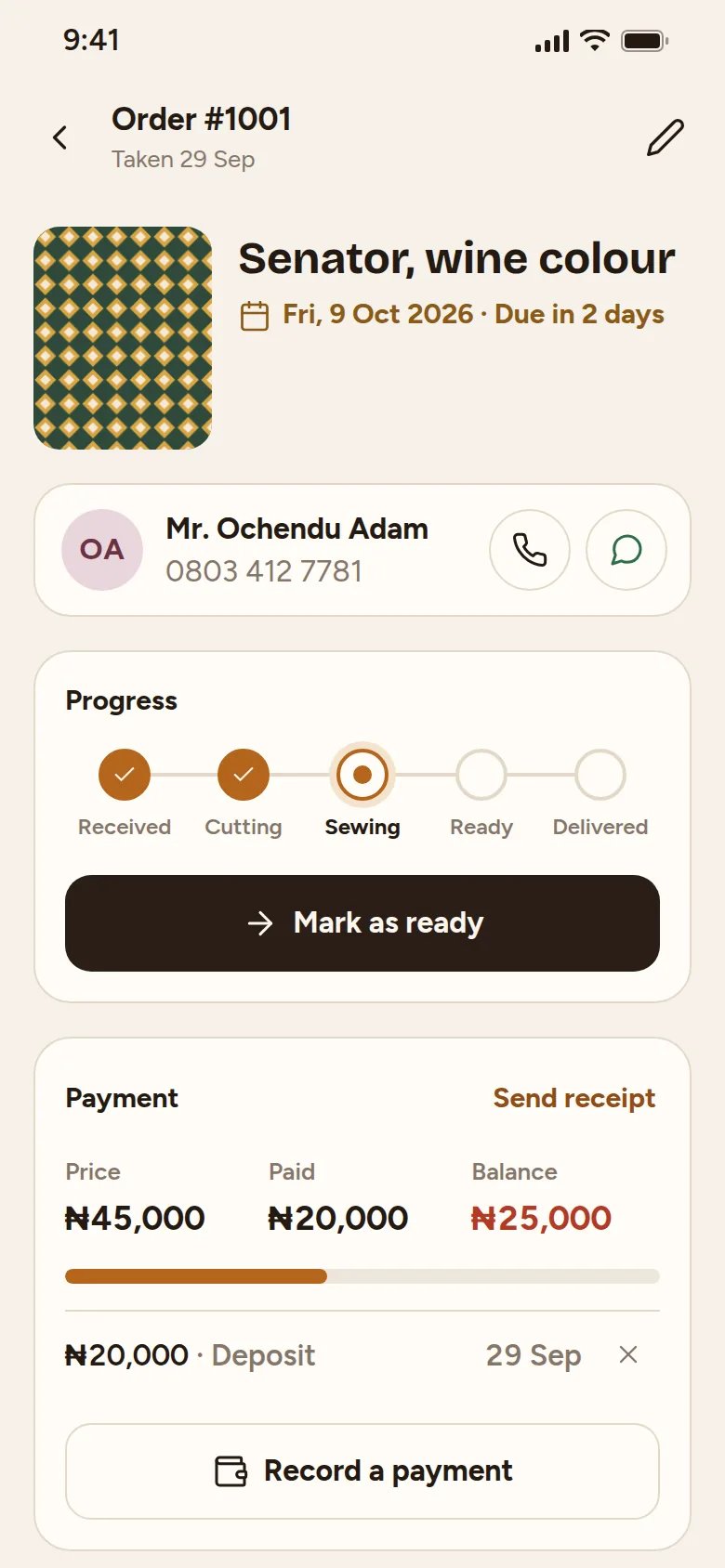
Every order shows its due date and how far along it is, from Received to Cutting, Sewing, Ready and Delivered.
Money and WhatsApp
Record the deposit and every part payment. The balance updates by itself, and one tap opens WhatsApp with the message already written.
Start in one minute
Tailorshoppe runs in your phone's browser and installs to your home screen like any other app.
Use Chrome on Android or Safari on iPhone.
Android: use Chrome. Tap the ⋮ menu, then Install app.
iPhone: tap Share, then Add to Home Screen.
Or look around with sample data first. You can clear it in one tap.
On Samsung phones, open the link in Chrome, not Samsung Internet.
Your records
Once it is on your phone, you can add customers and orders with no network at all.
Measurements, orders and photos are stored on your own device, not on our server.
A reminder each morning, then one tap sends a backup to Google Drive or WhatsApp. The app also keeps a copy from each of the last 7 days to undo mistakes.
Only to open it the first time. After that it works offline. You need data or Wi-Fi only to send WhatsApp messages.
It works on Android phones with Chrome and on iPhones with Safari. It does not need much storage because photos are made smaller before saving.
Your records are on the phone, so the app reminds you every morning to back up. One tap sends a backup file to Google Drive or to yourself on WhatsApp, and you can restore it on a new phone. Without a backup, the records go with the phone.
Yes. Rename any size, add new ones, and create your own measurement lists for the styles you sew most.
Right now it is one phone per shop. Sharing between phones is planned for a later version.
Another question? Ask us on WhatsApp
Try it with sample data first. If it fits your shop, add your real customers.
Open Tailorshoppe